Build your team
Within your User Profile, click on the tab to navigate to your Team page.
There are three panels within the Team Page
Panel One : Set up your referral link here
There are two options in sharing your referral link:
- by sharing the referral link and/or QR code
- by email registration - you will input the email address of the person you are inviting. When user input their email address on the registration page, they will be redirected to your invitation page.

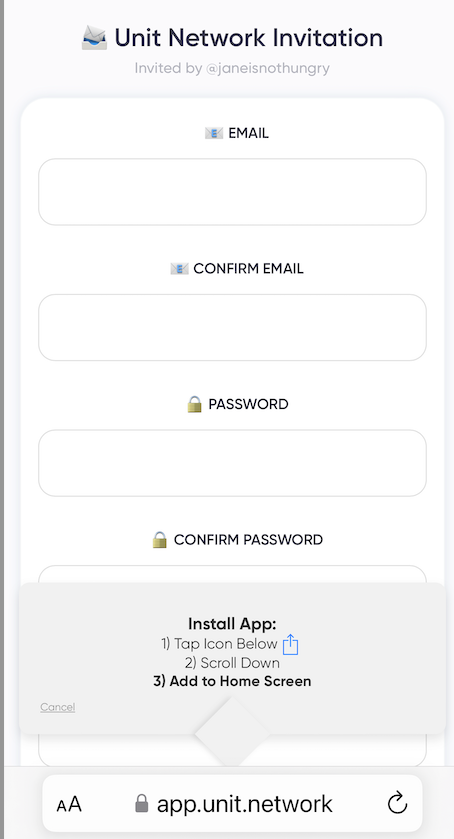
Unit Network Invitation page
When the user scans the QR code, they will be redirected to the "Unit Network Invitation" page and you will see "Invited by @yourusername"

Email Invite : Input the email address of the person you are inviting

Click to share your referral link on Telegram, X (formerly known as Twitter) and Whatsapp
Panel Two : Team List
This panel will list all your team members, sorted by Activity


The Team tab publicly showcases tokens in which you hold a team membership. Token creators have the capability to add users as team members, specifying token allocations, and providing options for cliff and vesting periods. This feature distinguishes team membership from token holding, allowing creators to incentivize core team participation in project development.
Within the Team Panel, you will see the list of your team members.